
 Article
2 MIN READ
Article
2 MIN READ
Don’t Ignore That Update Notification: Your Future Self Will Thank You


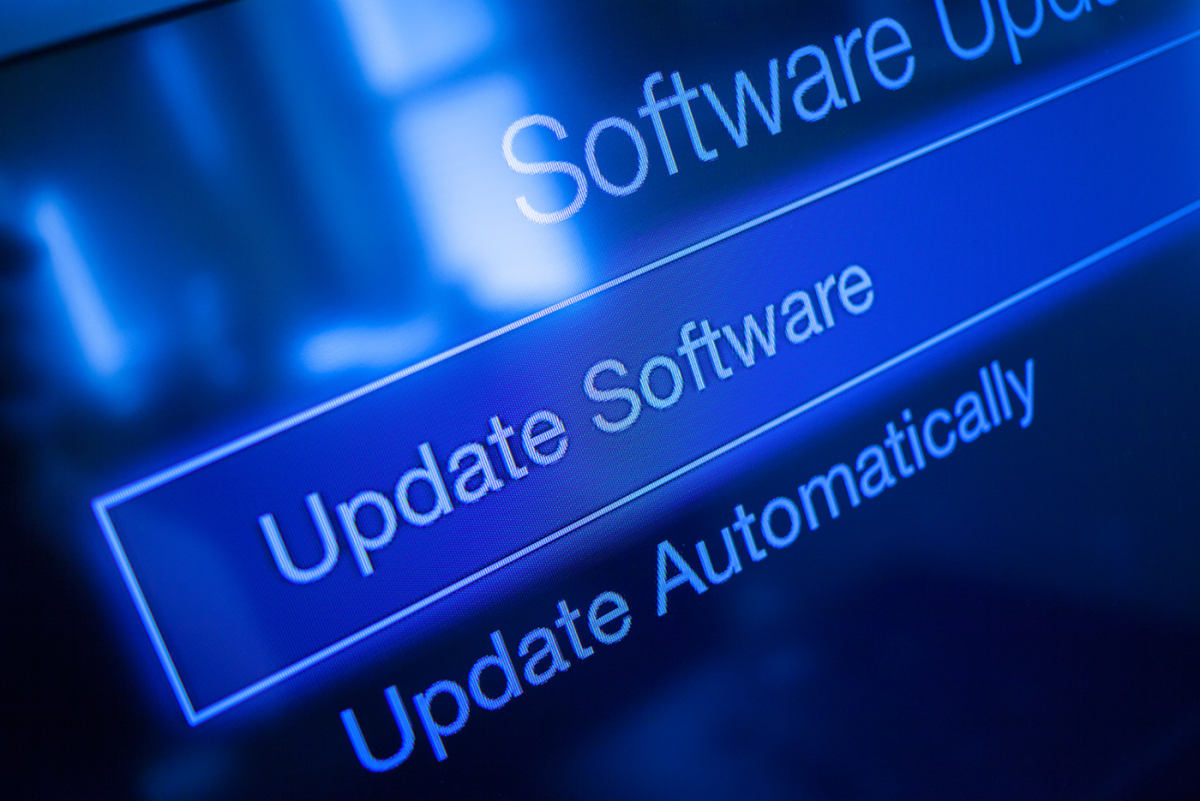
Let’s be honest. When that little pop-up appears telling you a software update is available, most of us have the same reaction:
“Remind me tomorrow.”
Then tomorrow becomes next week. Next week becomes next month. Before you know it, your device is running software that’s older than the leftovers in the back of your refrigerator.
While skipping updates may seem harmless, it can actually leave your devices and personal information vulnerable to cybercriminals – just be sure to check if you really need an update by bypassing the notification and going directly to the official source to verify.
Why Updates Matter
Software updates aren’t just about new features, prettier buttons, or fixing that one annoying glitch.
Many updates contain critical security patches that fix weaknesses cybercriminals actively look for and exploit. In fact, once a vulnerability becomes known, criminals often move quickly to take advantage of anyone who hasn’t updated their devices.
Think of software updates like replacing a broken lock on your front door. You wouldn’t leave your house unsecured once you knew there was a problem, and the same logic applies to your phone, tablet, and computer.
The Risk of Waiting
Every day you delay an update is another day those security gaps remain open.
Outdated software can increase the risk of:
- Identity theft
- Account compromise
- Malware infections
- Data loss
- Fraudulent activity
The good news? Keeping your software updated is one of the easiest ways to protect yourself.
A Few Simple Ways to Stay Secure
Install updates promptly. When updates become available, try to install them as soon as possible. Most only take a few minutes and can significantly improve security.
Restart when required. We’ve all clicked “Later” on a restart request. But many updates don’t fully install until the device reboots. That restart is often the final step that activates important security protections.
Don’t forget mobile devices. Your smartphone and tablet contain a treasure trove of personal information. Make sure they’re receiving regular operating system and app updates.
Turn on automatic updates. Where available and approved, automatic updates help ensure you receive security fixes without having to remember to install them yourself.
Small actions like these can make a big difference in protecting your personal information.
So, the next time that update reminder pops up, don’t think of it as an interruption.
Think of it as your device saying, “Hey, I’m trying to protect you here.”
Sign up to hear more from us!