
 Article
2 MIN READ
Article
2 MIN READ
Multifactor Authentication: Your Digital Deadbolt


Imagine you lock your front door before leaving the house. Now imagine that one lock is all that’s standing between your valuables and someone trying to get in.
That’s essentially how passwords work online.
The challenge is that passwords are stolen more often than most people realize. They can be guessed, reused from other websites, exposed in data breaches, or accidentally shared with scammers. That’s why cybersecurity experts now agree: passwords alone are no longer enough.
The good news? There’s a simple and highly effective way to add an extra layer of protection to your accounts: Multifactor Authentication (MFA).
What Is Multifactor Authentication?
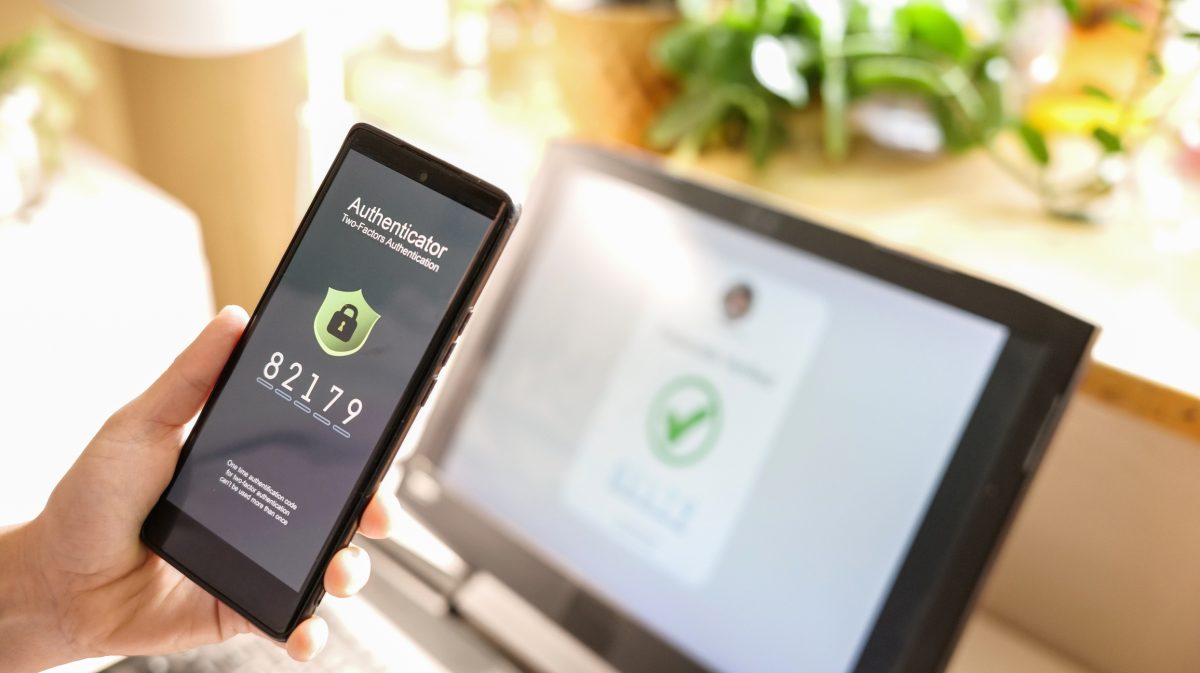
Multifactor Authentication, or MFA, requires two or more forms of verification before you can access an account.
Think of it like using both a key and a security code to unlock a safe. Even if someone gets one, they still can’t get in without the other.
For example, after entering your password, you might need to:
- Approve a notification on your phone
- Enter a one-time verification code
- Use your fingerprint or facial recognition
- Confirm your identity through an authentication app
It’s a small extra step that provides a major security benefit.
Why Does MFA Matter?
Cybercriminals are constantly looking for ways to gain access to online accounts. If they obtain your password, MFA can stop them in their tracks.
MFA helps:
- Protect personal and financial information.
- Prevent unauthorized account access.
- Reduce the risk of identity theft and fraud.
- Keep email, banking, shopping, and social media accounts secure.
Simply put, MFA significantly reduces the risk of account compromise, but there are some things you need to keep in mind:
- Only approve sign-in requests you initiated. If your phone unexpectedly asks you to approve a login, stop and think before tapping “Approve.”
- Never share authentication codes. Legitimate companies, banks, and technology providers will never call, text, or email you asking for a verification code.
- Report repeated MFA requests you didn’t trigger. Multiple unexpected authentication prompts may indicate someone is trying to access your account.
- Never approve unexpected prompts. Accidentally approving a fraudulent login request can give an attacker access to your account. If you do accidentally approve a log in request, immediately report the instance and change your password.
- Keep your MFA information updated. If you change phone numbers or devices, be sure to update your authentication settings so you don’t lose access to your accounts.
One Small Step, Big Protection
Cybersecurity doesn’t have to be complicated. Enabling Multifactor Authentication is one of the easiest and most effective ways to protect yourself online.
This National Cybersecurity Awareness Month, take a few minutes to turn on MFA for your important accounts. It’s a simple step today that can help prevent a major headache tomorrow.
Sign up to hear more from us!